
Reading the Dota 2 broadcast HUD
What every number on a Dota 2 broadcast-style HUD means: team net worth and the lead, respawn timers, the ultimate and buyback markers, and the timeline.
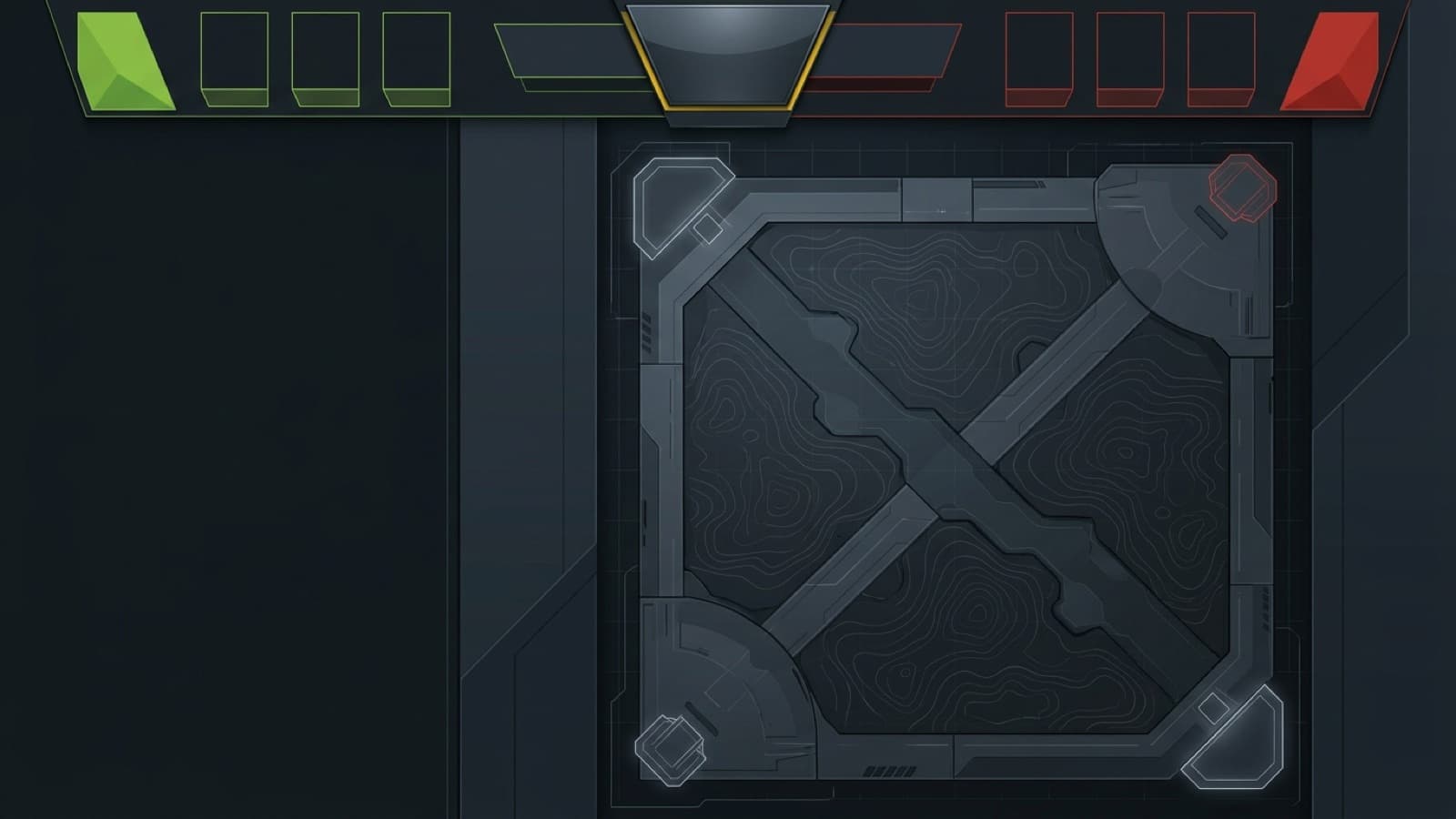
Tournament broadcasts pack a lot onto one screen, and most of it is there so a viewer can tell who is winning without a caster saying so. ReplayDojo’s replay viewer uses the same layout.
The top bar

Each side starts with the team’s total net worth: every player’s gold plus the value of the items they carry. Under the clock is the lead, the difference between the two totals. The arrow and colour say which team is ahead (pointing up and green for Radiant, down and red for Dire), and it reads Even while the gap is under 200 gold.
The big numbers either side of the clock are team kills. The clock is game time: it counts from the horn, stops during pauses, and stops for good when an Ancient falls.
Each portrait carries the live state of one hero:
- the number in the corner is the hero’s level;
- the thin bars underneath are health and mana;
- the diamond in the top corner is the ultimate: an outline once it is learned, filled yellow when it is off cooldown;
- a dead hero turns grey with a respawn countdown, and shows BB if buyback is available.
Kill feed and banners
Kills scroll in at the top left: killer, the heroes who assisted, and the victim. Towers, barracks, Roshan, buybacks and big item purchases appear there too, in a quieter style. The bigger moments also get a banner across the top of the screen: first blood, double kills and longer streaks, team wipes, Roshan and barracks. After a fight ends, a banner sums it up with the kill score and the net-worth swing.
The hero card
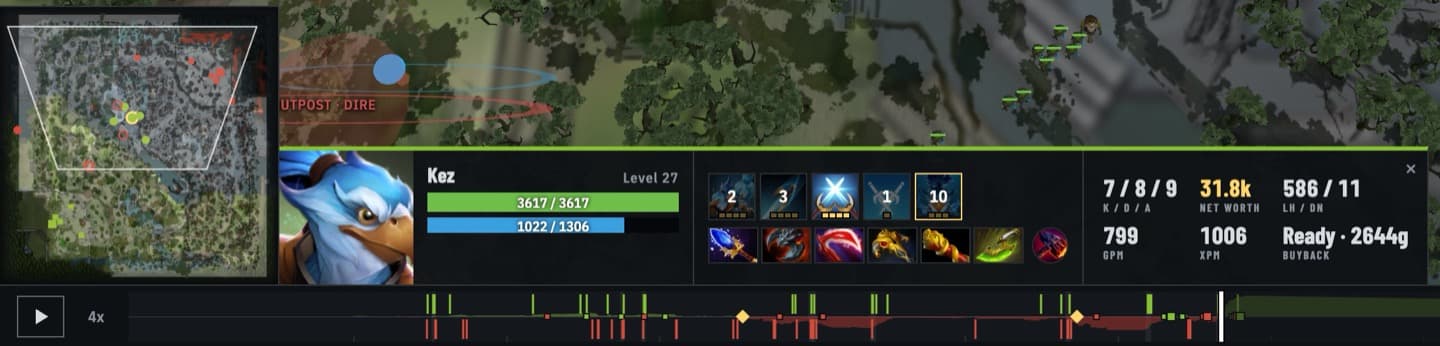
From left to right: health and mana with exact numbers; the abilities, with pips for their level and a countdown while one is on cooldown; the six inventory items with the neutral item beside them; then the numbers. K / D / A is kills, deaths and assists. Net worth is the hero’s share of the team total. LH / DN is last hits and denies. GPM and XPM are gold and experience per minute so far. Buyback shows the gold cost while it is available, or the cooldown after it has been used.
The timeline
The strip at the bottom covers the whole match. The coloured band is the net-worth lead over time: green above the centre line while Radiant leads, red below it while Dire leads. Thin ticks are kills (Radiant’s above the line, Dire’s below), squares are towers and barracks, diamonds are Roshan, and the lighter blocks are teamfights. The part after the playhead is dimmed, so you don’t see what’s coming unless you look for it.
The end card
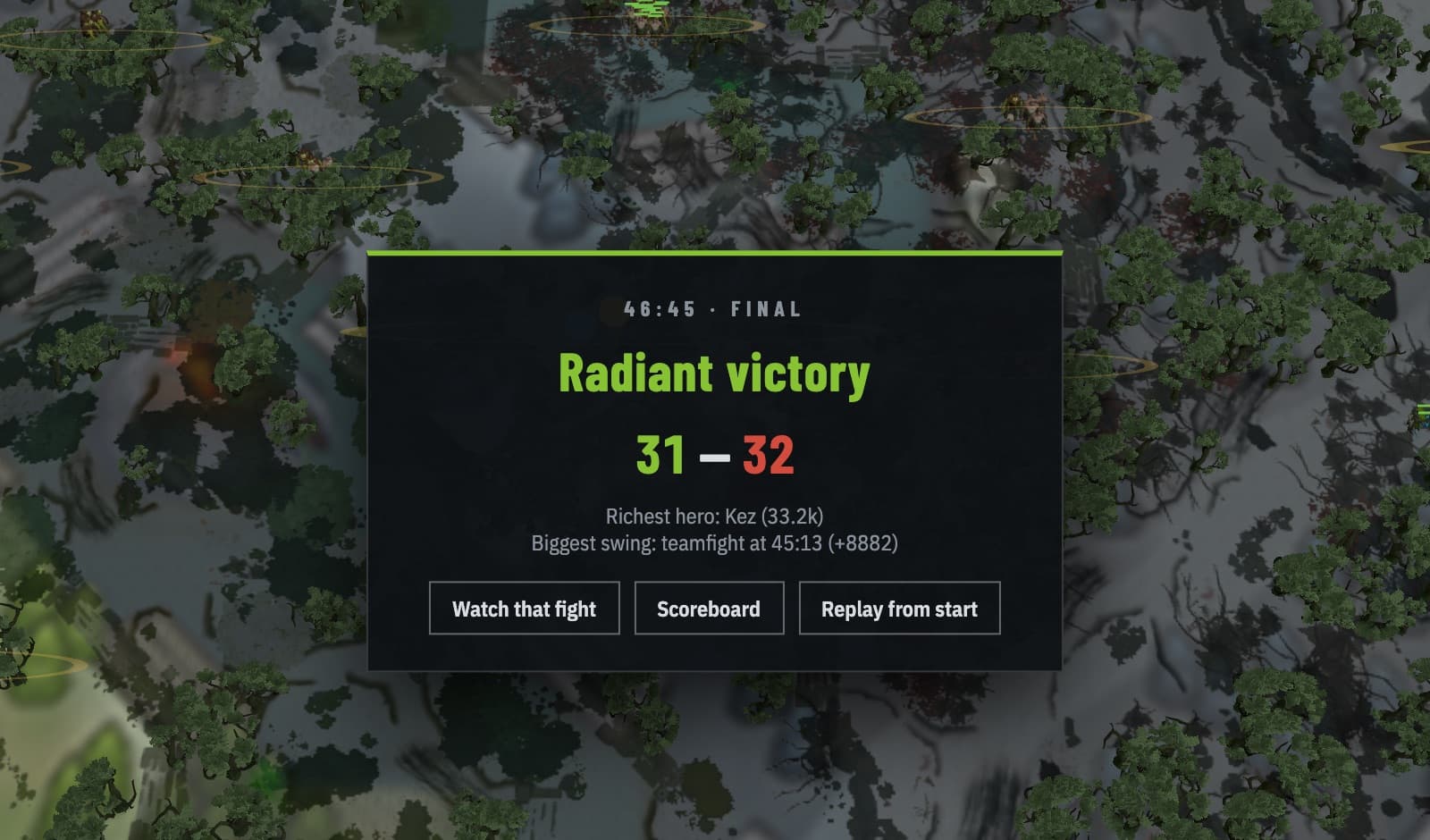
The kill score and the result don’t always agree, as in the match above, where Radiant won while trailing 31 to 32 in kills. Destroying the Ancient decides a game, not the kill score, and net worth tracks the way there better than kills do.
Open any recent match in the viewer and see the HUD on your own game.
Import a match