
How to review your own Dota 2 replay
A 20-minute routine for reviewing a Dota 2 game you lost: where to start on the timeline, which fights to rewatch, and what to write down.
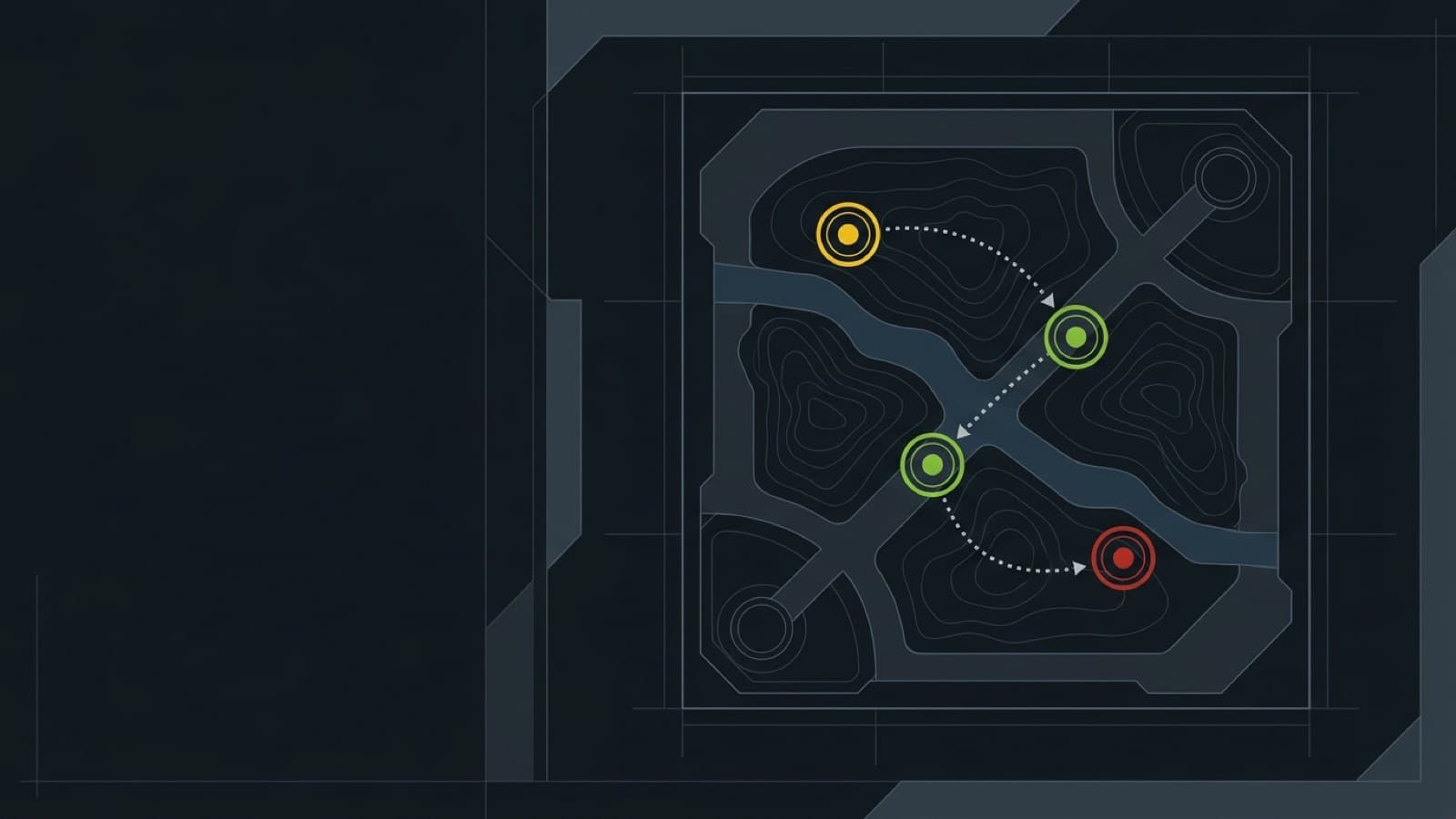
Watching a whole replay at normal speed takes as long as playing the game did, and most people stop after ten minutes. A review works better as a short list of moments to jump to. This is the routine we use, built around the ReplayDojo viewer, and it fits in about 20 minutes. The same steps work in the game client if you prefer it; you just find the moments by hand.
Pick the right game
Choose a loss you still remember, ideally from the last day or two. You want to know what you thought was happening so you can compare it with what actually happened. A stomp in either direction teaches less than a close game that slipped away.
Start at the end
Jump to the last second of the replay. The end card names the winner, the final kill score, the richest hero and the teamfight with the biggest net-worth swing. That fight is your first stop: press Watch that fight and the replay jumps to a few seconds before it starts.
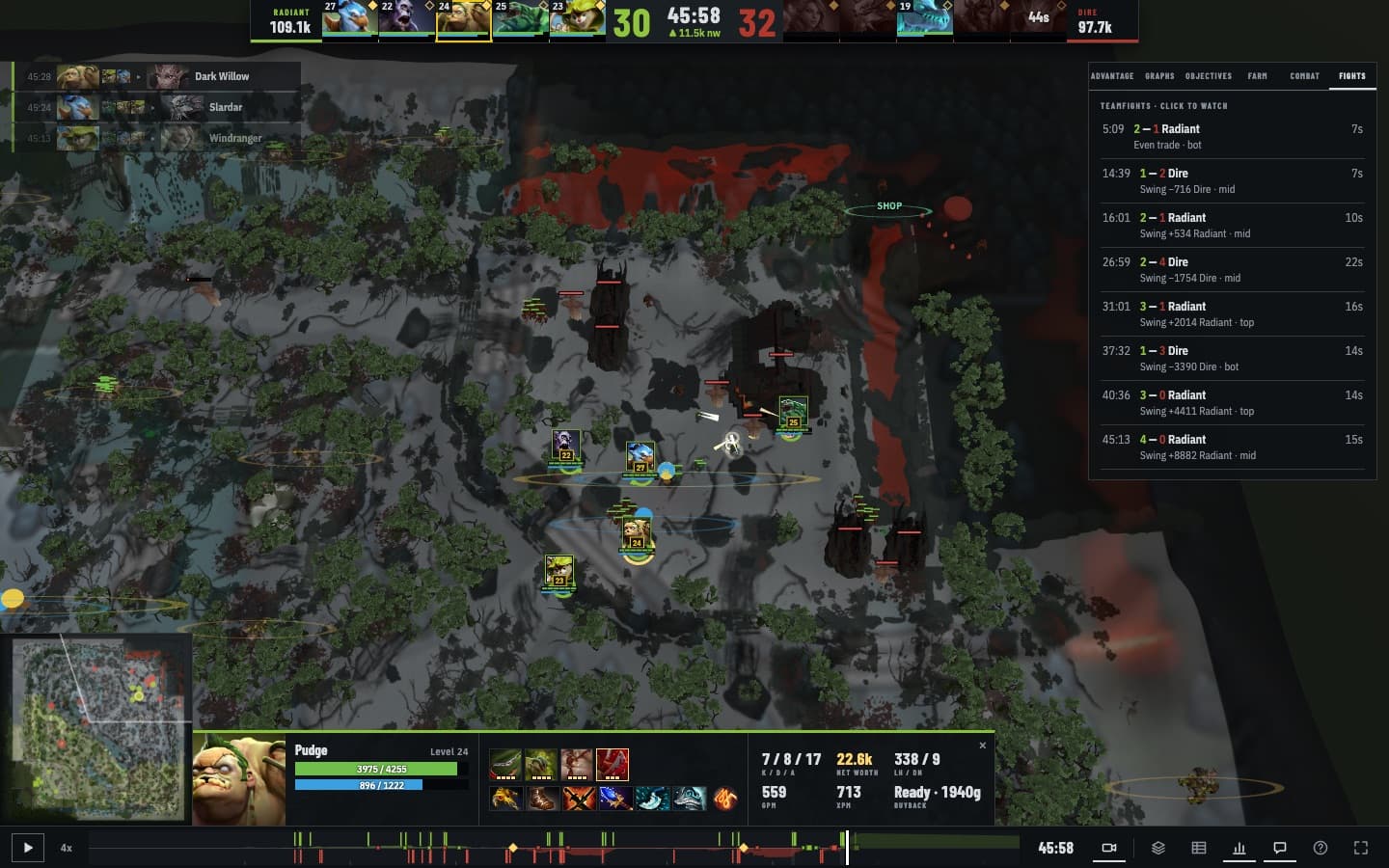
Watch it twice. The first time, follow the fight. The second time, follow yourself: where you stood when it started, whether you could see the enemy before they reached you, and what you did in the first two seconds.
Find where it turned
The coloured band along the bottom of the viewer is the net-worth lead over the whole game: green above the line while Radiant is ahead, red below it while Dire is ahead. Look for the place where it crosses over or starts to slope hard. The decision that cost the game is usually in that stretch, and it’s often a lost tower or an unseen Roshan rather than a fight.
Rewatch your deaths
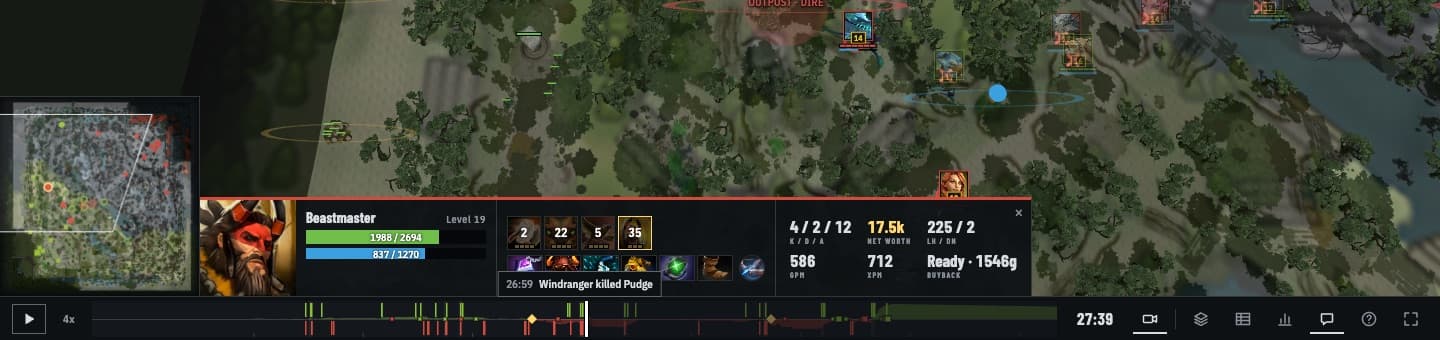
Click your hero’s portrait to follow it, then step through your deaths from the kill feed or the timeline. For each one, go back ten seconds and look only at the minimap. Avoidable deaths usually show up there first, most often as enemy heroes missing from their lanes.
Check the lane at 10 minutes
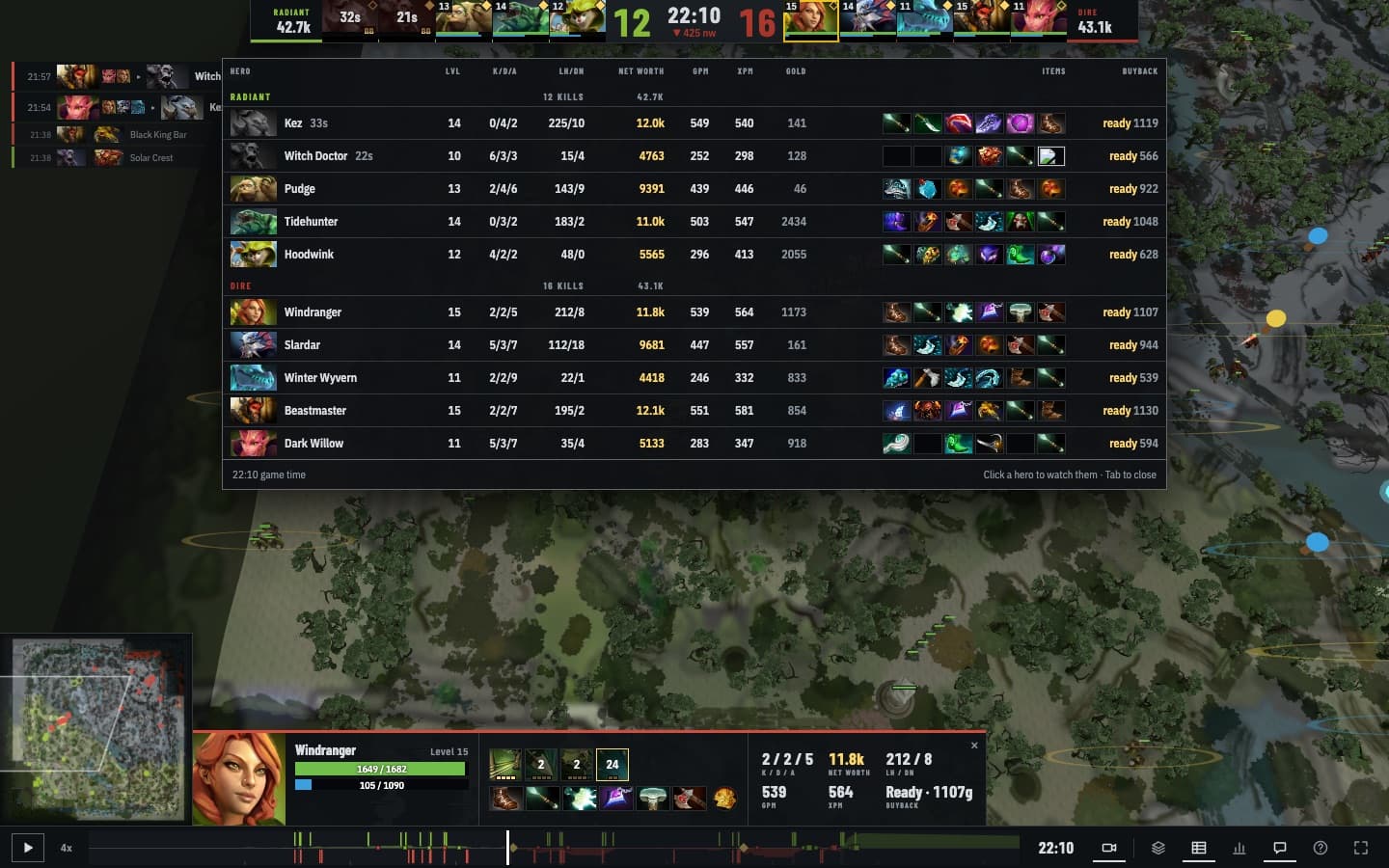
Scrub to 10:00 and press Tab for the scoreboard. Compare your last hits and denies with the player you laned against, and your net worth with theirs. A big gap usually means the game was hard from the start, so rewatch the lane before the fights.
Write down one thing
Finish with one sentence you can act on next game, such as “check the minimap before I walk into the river after six minutes”. Keep it to one; nobody acts on a list. If a teammate or coach is helping, send them the replay link; they can watch it in a browser without owning the game. For what each number on screen means, see reading the broadcast HUD.
Import the game you want to review.
Import a match