
How to watch a Dota 2 replay
Three ways to watch a Dota 2 replay: download it in the client, play a saved .dem from the console, or open the match ID in a browser with no install.
A Dota 2 replay is a recording of the game state, not a video. The client rebuilds the match from it, which is why you can fly the camera anywhere and why a replay of a 45-minute game is only a few dozen megabytes. You can watch one in three places, and which one you pick mostly depends on whether you have the game installed and how old the match is.
In the Dota 2 client
This is the usual route for your own recent games.
- Open your profile and go to your match history.
- Click the match. Its details screen opens with the final scoreboard.
- Press Download replay. When the download finishes, the same button becomes Watch replay.
Inside the replay you get the normal spectator controls: pause, speed, a draggable timeline, and the option to lock the camera to any hero. If the button is missing or greyed out, the match is too old and Valve has already removed the file from its replay servers. The replay folder guide covers how long that takes and how to keep a match.
From a saved .dem file
Every replay you download is saved as <match id>.dem in the game’s replays folder, and it stays there until you delete it. To play one directly, enable the console (in Steam, right-click Dota 2, open Properties and add -console to the launch options), start the game and type:
playdemo replays/9052204107Swap in your own match ID. The command takes the path relative to the game’s dota folder, without the extension. This works offline, which is handy on a laptop with no connection or for a file a teammate sent you.
In a browser, no install
ReplayDojo plays a match in the browser on a 3D model of the Dota 2 map. Paste a match ID or a Dotabuff, OpenDota or STRATZ link and press Import match. The server downloads the replay from Valve, parses it, and opens it with a broadcast-style HUD: both teams’ portraits with live health and respawn timers, the kill feed, net worth, and a timeline with every kill, tower and Roshan marked.
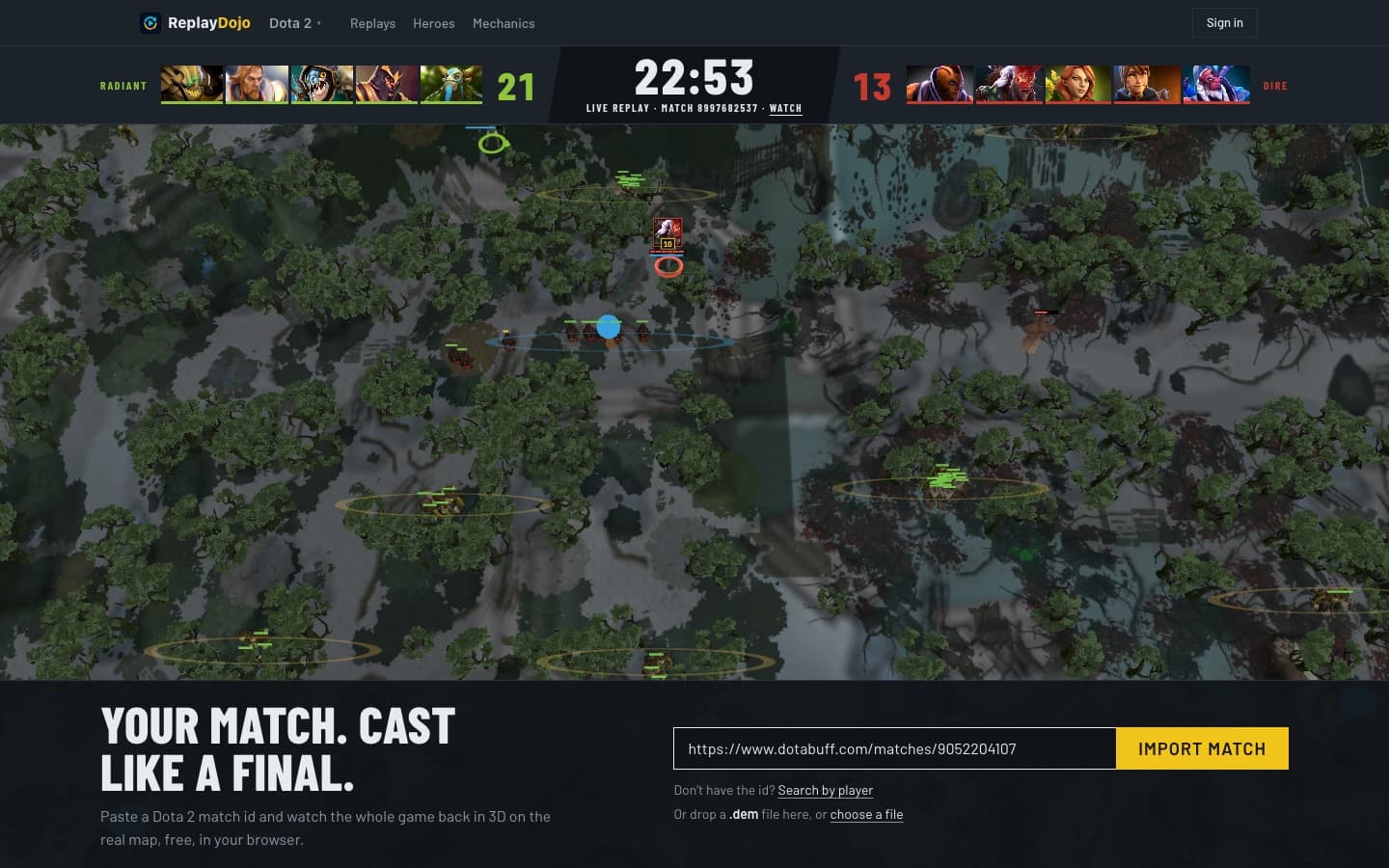
The first import of a match takes a minute or two. After that the replay has its own page, so the link works for anyone you send it to.
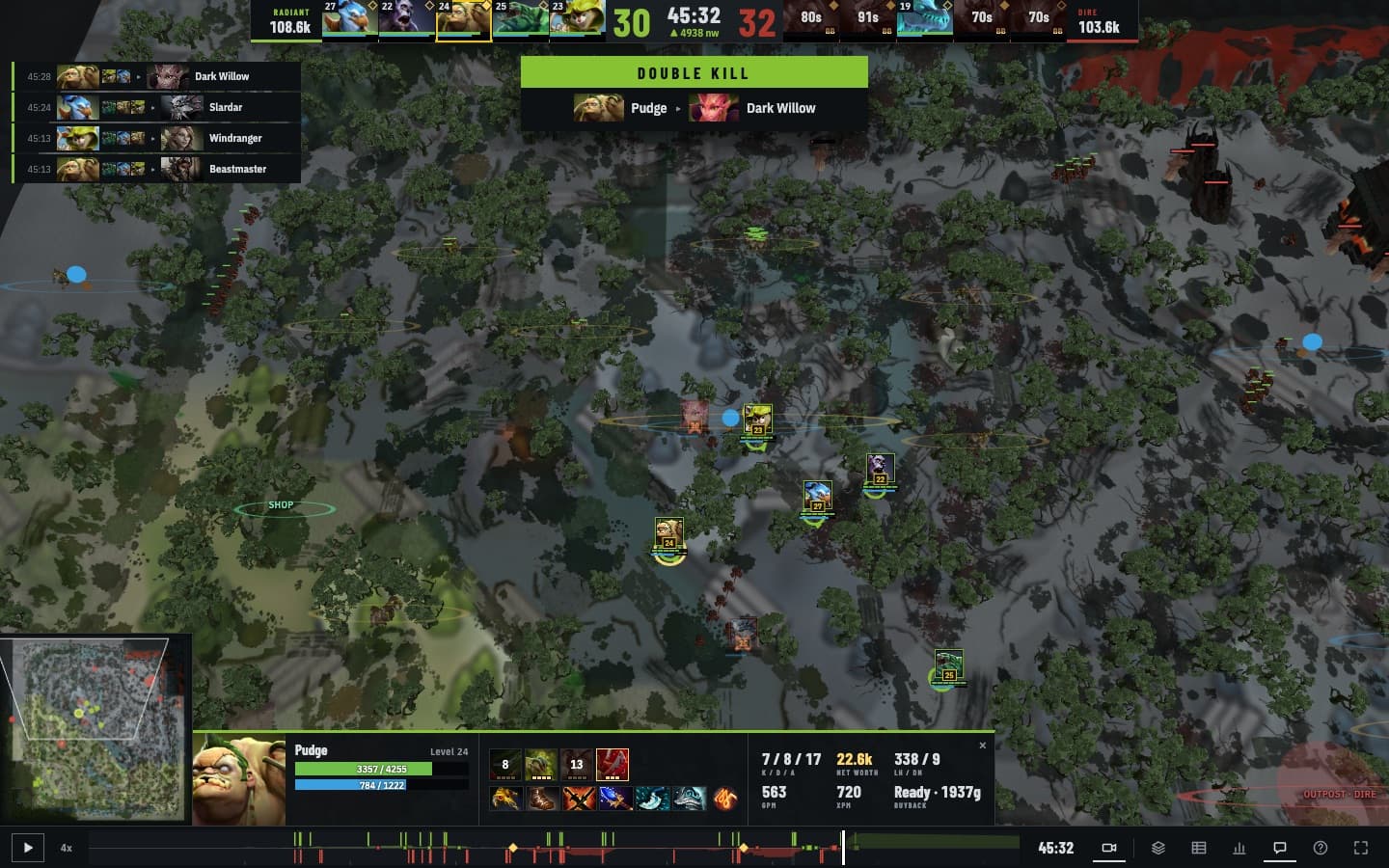
Importing by ID only works while Valve still hosts the file. For an older match, drop the .dem from your replays folder onto the home page instead; uploads go through the same parser.
Paste a match ID on the home page to import it.
Import a matchWhich one to use
To rewatch this week’s game from your own hero’s point of view, use the client, since it renders the real game. To share a match, or to review it with a timeline and a fight list, the browser is quicker. If the match is older than a week or two, the only copy left is a .dem file on someone’s disk, so save the file before you need it.