
Matches from the last 14 days
The viewer reads matches from the official PUBG API, and PUBG keeps a match there for 14 days. After that the match is gone from the API and can't be opened, so save the ones you want to keep: once a match opens here it gets a share link that stays.
01Find your match by player name
- Type your in-game name exactly as it is spelled, capitals included.
- Pick the platform: Steam for PC on Steam, Kakao for PC through Kakao Games, Console for Xbox and PlayStation.
- Pick a match from the list. Each row shows the map, the mode, the date, where you placed and your kills.
02Open a match by its ID
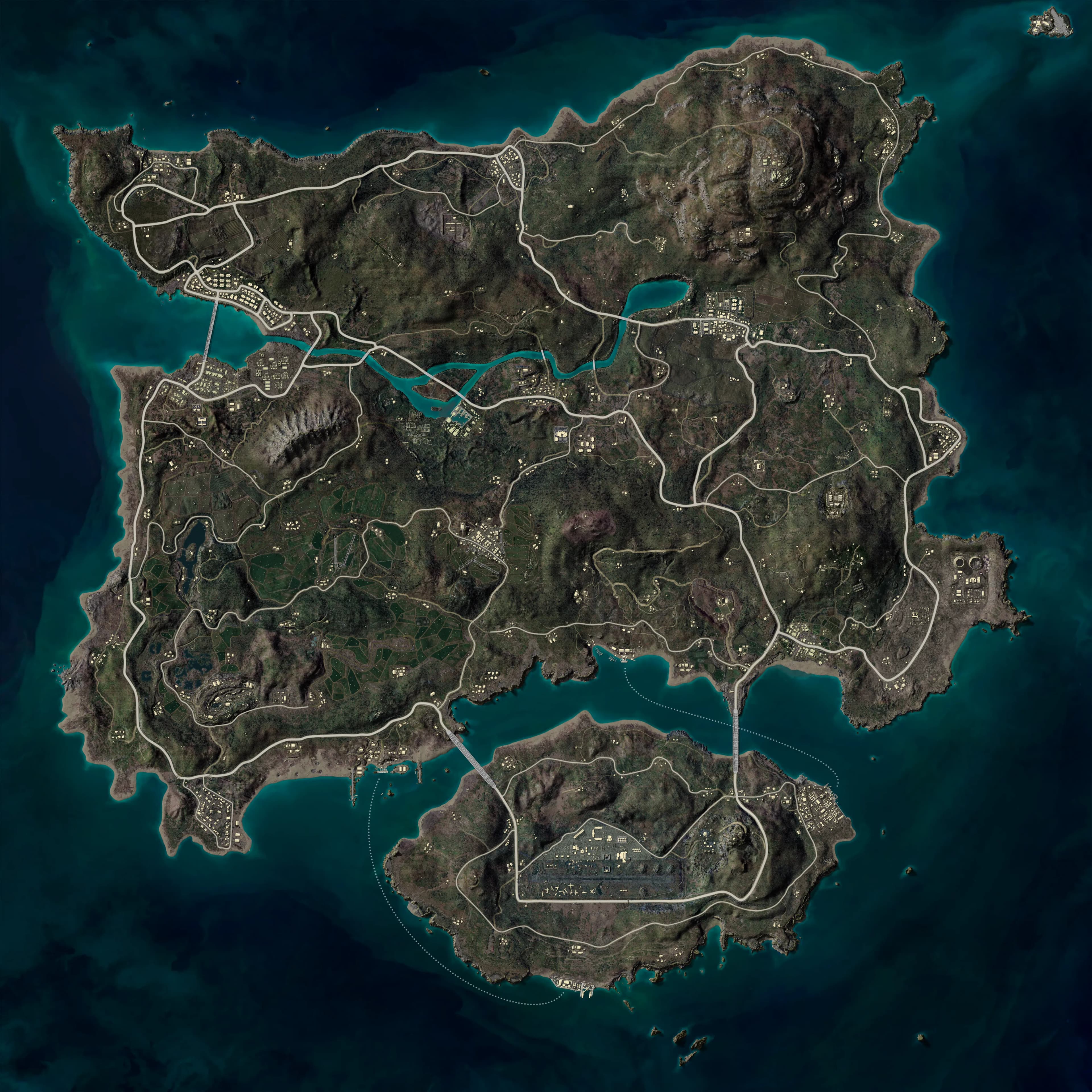
Every PUBG match has an ID in the form 0b9a5f2e-8c1d-4f6a-9e3b-2d7c4a1f5e60. If you have one, paste it in the match ID field, pick the platform the match was played on, and press Open. A link like /pubg?match=<id>&shard=steam opens the same match directly, so you can send it to your squad.
What telemetry is
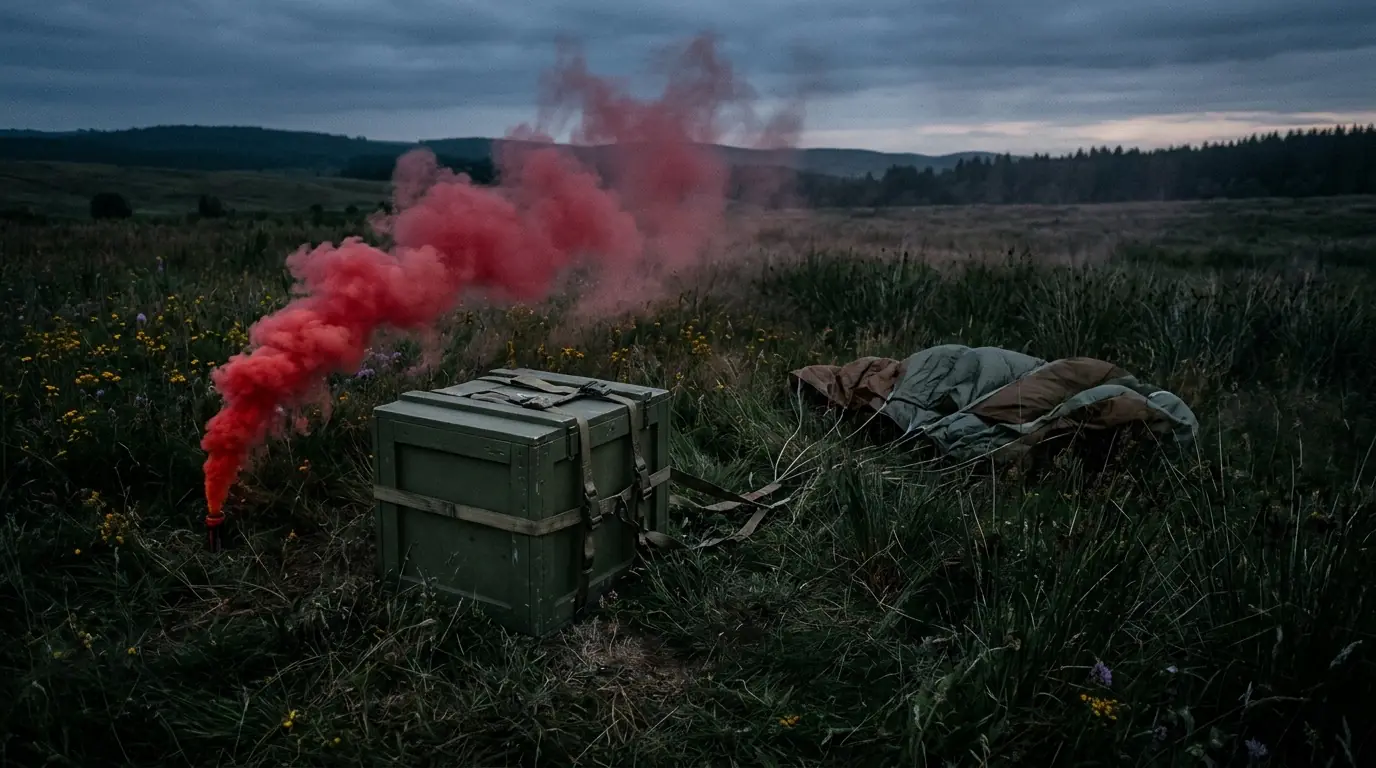
For each match PUBG publishes a telemetry file: a long, timestamped list of what happened. It records where every player was every few seconds, each knock, kill and revive, the zone (the blue circle closing in and the white circle it heads to next), care packages and vehicle rides. The viewer downloads that file straight from PUBG to your browser and condenses it into the 2D replay.
Already have the file? Drop the telemetry .json or .json.gz on the viewer. PUBG's in-game replays are a different format and don't open here.
What to review next
- Analyze your drop — See whether your landing, nearby teams and first fight gave you room to play.
- Review zone rotations — Replay the circle change, your departure and the route you took.
- Review squad fights — Trace damage, knocks, revives and third parties through one engagement.
Got a match ID, or a player name?
Open the viewer