
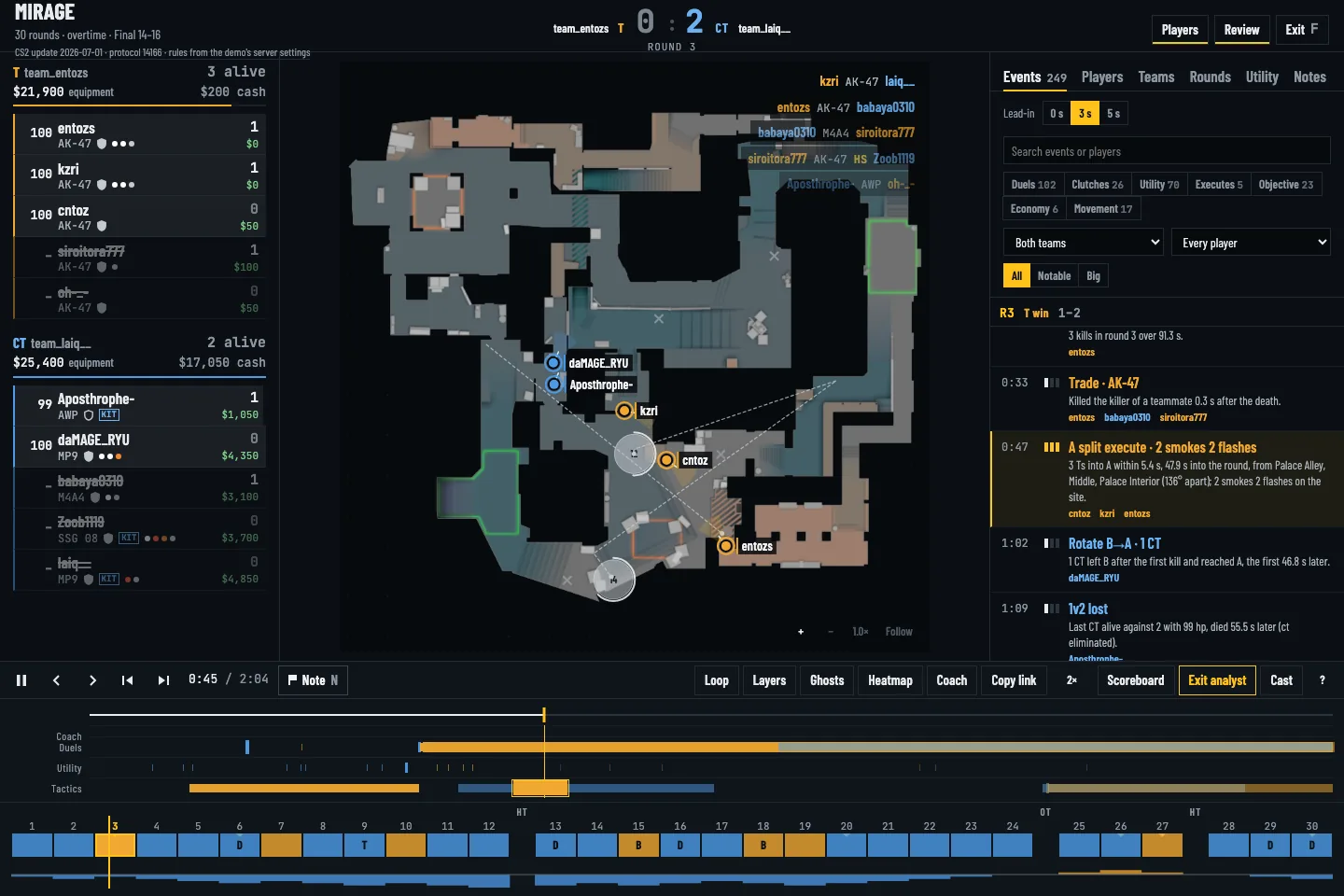
Open the .dem and pick a swing round
Download the match demo from FACEIT and open the .dem in ReplayDojo. Use the round strip to find a lost full-buy, a close retake or an unexpected eco loss. Check the buy and score before judging the choice; an eco round should not be reviewed like a gun round.
Scrub from the first contact
Switch to analyst or cast mode and select the opening duel, trade or bomb marker. Start a few seconds before the event. Watch spacing and utility on the radar, then step frame by frame to see whether a teammate could trade. The detector marks a candidate moment; the demo cannot tell you a player's intent.
Compare and write one adjustment
Filter the report to similar rounds. Compare the route, first contact time and utility landing spots, and use ghost rounds to see whether the same default repeated. Bookmark the moment with one concrete change to try, such as delaying a flash until your entry is ready.