
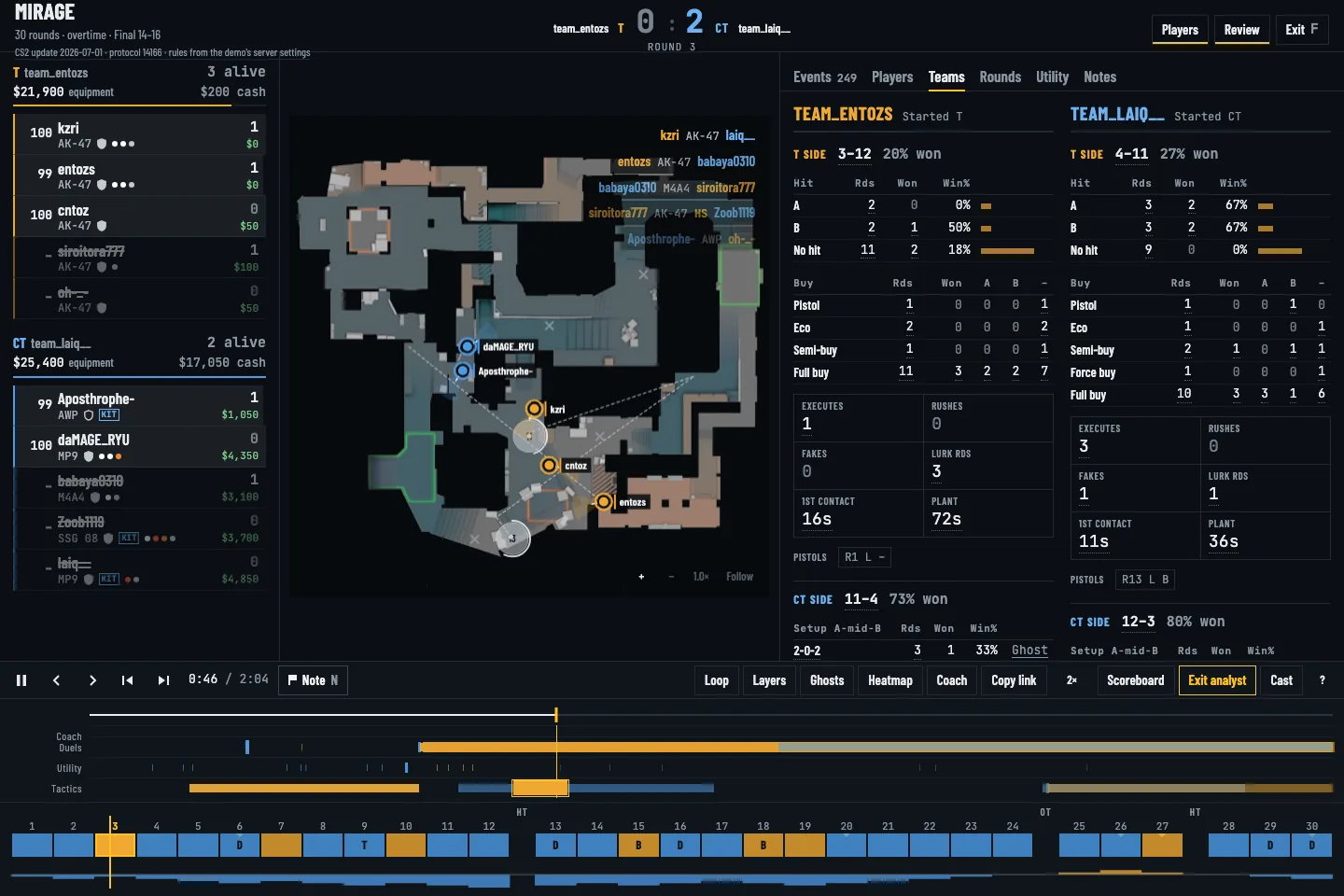
Find the pattern, then inspect the round
Open Teams to see site hits, buy types, CT setups and retake attempts. Select a count to filter the relevant rounds. Use the Tactics lane to jump to detected executes, rotations or saves, then inspect the full sequence around the marker.
Overlay comparable defaults
Choose rounds with the same side and outcome, then turn on ghost paths. Compare early spacing, the first 15 seconds of the CT setup and the point where the formation changed. A heatmap can show repeated presence, while a selected round reveals what happened in that specific attempt.
Separate a detector from a conclusion
An execute marker follows fixed rules about movement and utility. It cannot prove a planned call, a fake or an opponent's read. Check the round, economy, player positions and timing yourself. Add a bookmark or drawing that states the adjustment your team wants to rehearse.