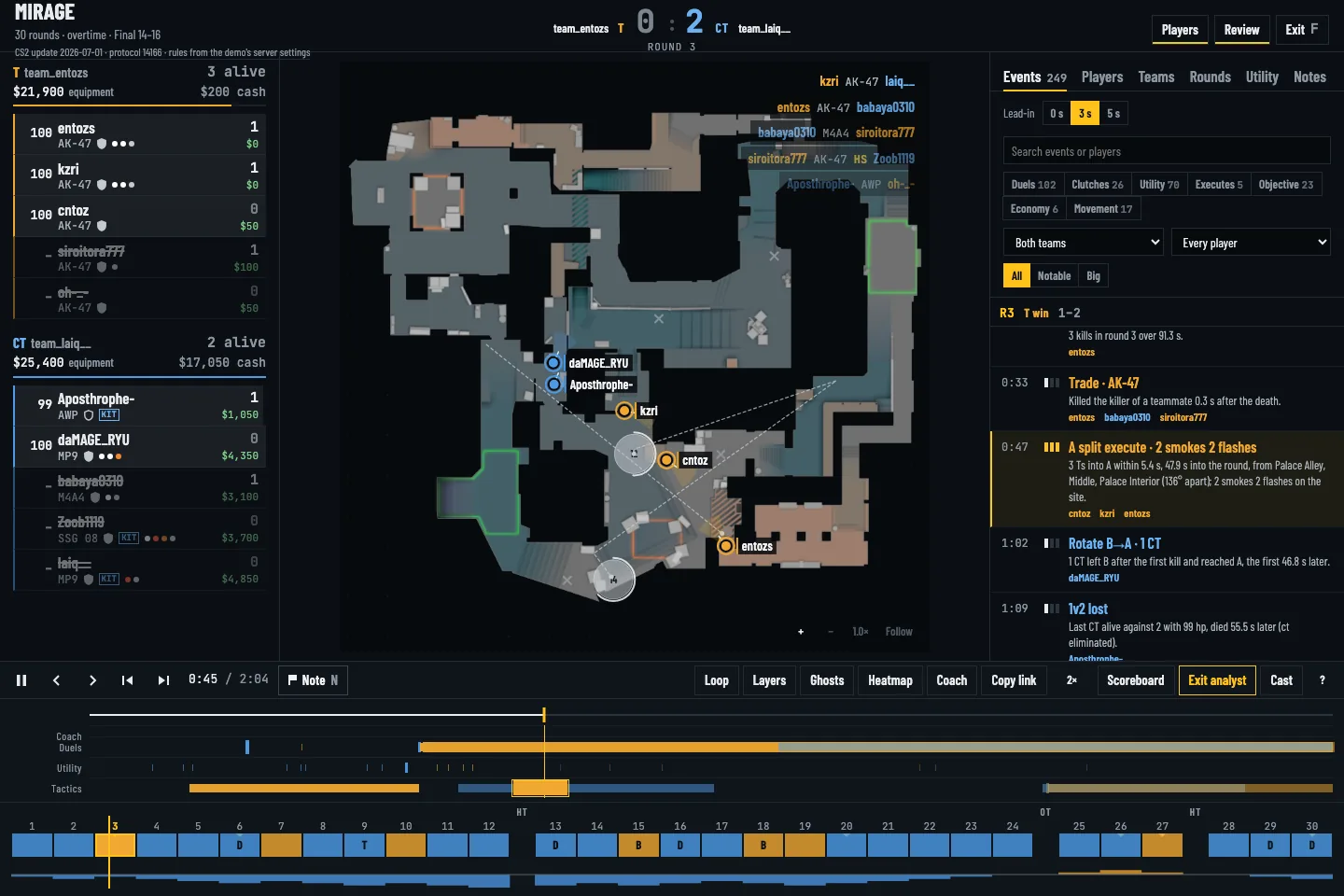
 01 / FACEIT DEMO REVIEW
How to review a FACEIT CS2 demo round by round
Open a FACEIT CS2 demo, find decisive rounds on the timeline, inspect opening duels and trades, and turn the review into a practice note.
Read guide → ReplayDojo
REPLAYDOJO / CS2
A demo is useful when it answers a question. Start with a lost round, a failed site hit or a utility gap. ReplayDojo turns the match into a 2D radar, timeline and round report so you can find the moment, compare the setup and save what to practice.
Open a CS2 .dem in the viewer, choose a round, then use event markers and the match scrubber to reach the play. The demo is parsed in your browser. The radar shows recorded positions and events; it is a tactical overview, not a replacement for a player's POV.
01 / FACEIT DEMO REVIEWOpen a FACEIT CS2 demo, find decisive rounds on the timeline, inspect opening duels and trades, and turn the review into a practice note.
Read guide →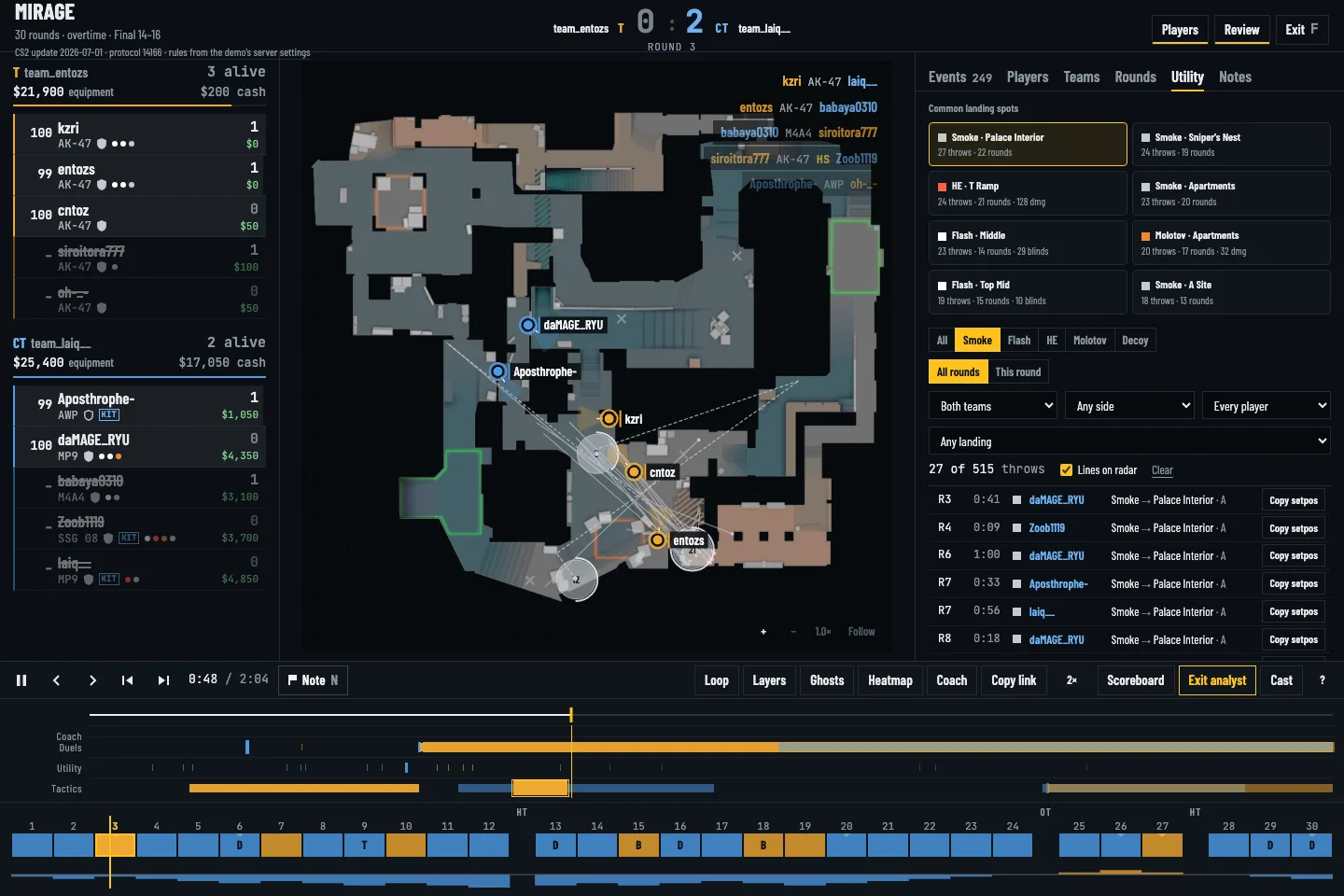 02 / UTILITY REVIEW
Use CS2 demo utility trajectories, landing spots, flash events and round filters to review lineups and coordinated site hits.
Read guide →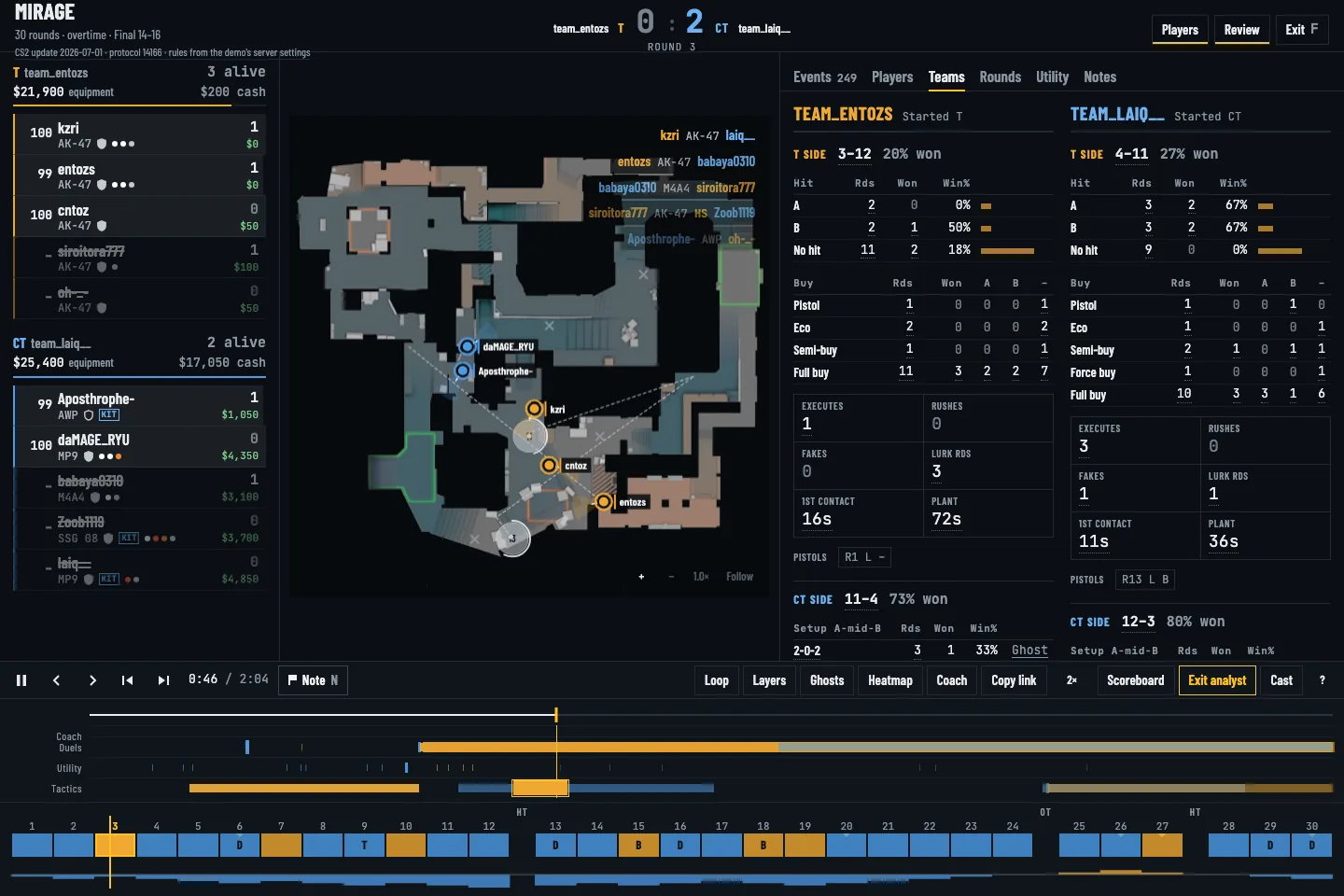 03 / TEAM TACTICS
Compare CS2 team tactics across rounds with detected executes, CT setups, ghost paths and a match timeline.
Read guide →