
Start with a saved match report or open your own demo. The report puts team souls, hero damage and objective times beside the replay. Use those numbers to pick a moment, then watch what the heroes did before it.
1. Find a swing in the souls chart
The chart plots each team's souls from scoreboard samples taken about every ten seconds. Look for a gap that opens quickly. The report also marks the largest recorded lead. A fast-growing lead gives you a time to investigate; check the replay before drawing a conclusion. A kill, wave, camp or objective may contribute to the same rise. See a real souls graph and the replay behind it.
2. Rewind before the event
Drag the replay timeline to just before the swing. Kills and objective deaths have markers; click one to play from that point. Turn on names, follow a hero and watch the last twenty seconds of their path. The minimap shows all twelve heroes, troopers and neutral units. It is easier to see a rotation or an isolated teammate here than in a single player's camera view.
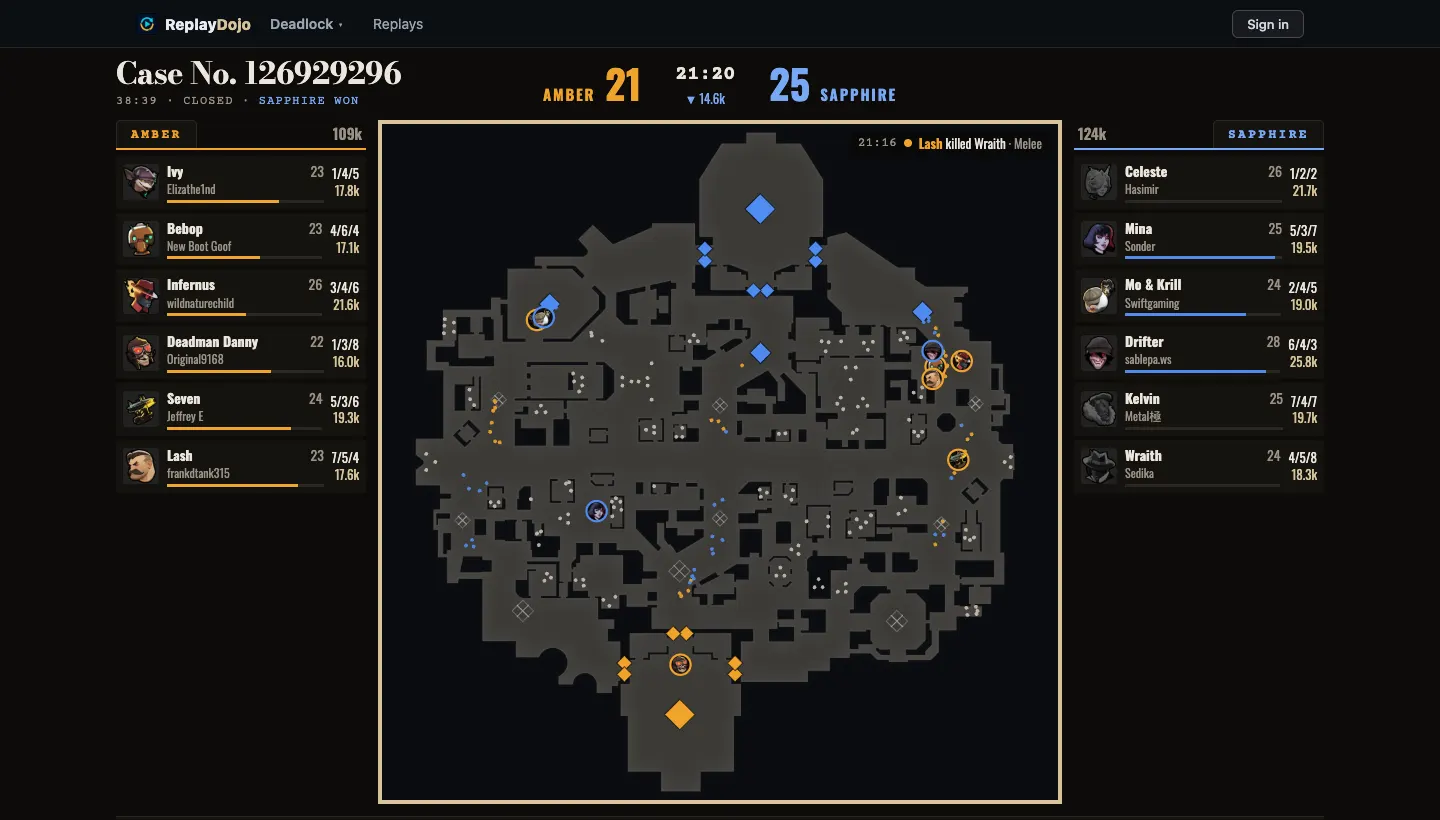
3. Compare damage with position
The match report ranks players by the game's final hero damagecounter. In the replay's Damage view, each hero's damage is split by ability, weapon and item. Select a death in the event feed to see the victim's last ten seconds of damage. Check where the victim stood and whether teammates were close enough to help.
The detailed damage view sums the game's per-hit messages. Those messages round each hit, so their total can sit a little above the final scoreboard counter. The report uses the scoreboard value; the Damage view states the difference for that match. The damage guide walks through a real recap.
4. Check the build at that time
Switch the scoreboard's build view to purchase order. Each item has a timestamp, so you can compare what a player owned when the fight happened with what they bought later. An item disappearing from inventory may have been sold or consumed by an upgrade; the replay data does not distinguish those cases. The build order guide shows the time-stamped view.
5. Follow the objective
The report lists the first Guardian, Walker, Base Guardian and Patron to fall, plus Mid-Boss kills. The full timeline shows every structure death and names the credited hero when the game provides one. Rewind before the marker to see whether the team had room to take it. The marker gives you a time; the replay shows the approach.
Need a replay file? Follow the guide to opening a Deadlock replay. If the match is already saved, browse the match reports.
Open a replay