
How to share a Dota 2 replay for coaching
Share a working Dota 2 replay page with your hero, role and timestamps. Includes a coaching request template and checks for a replay that will not open.
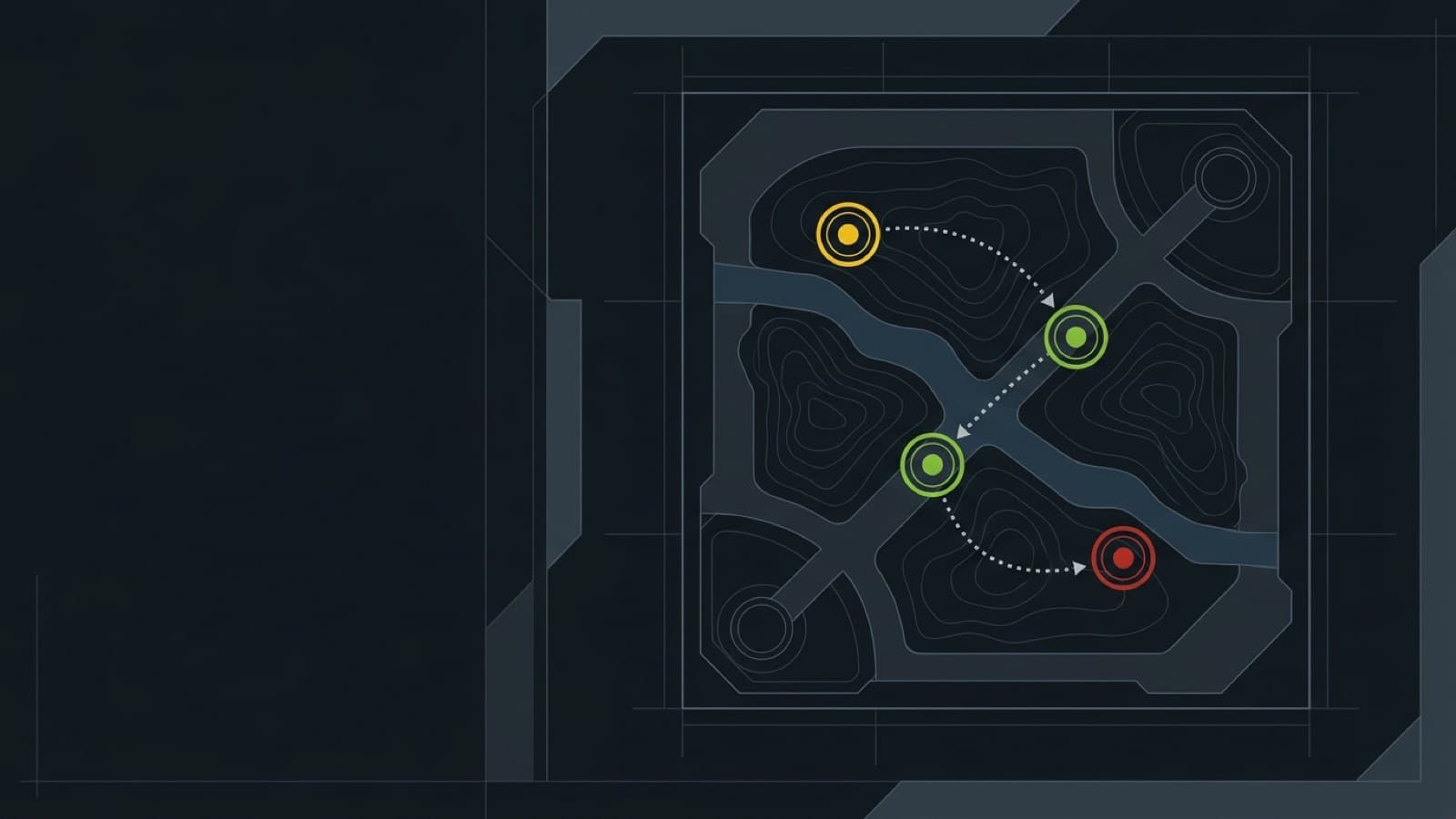
To share a Dota 2 replay for coaching, send a working replay page, identify your hero and role, and write down the game-clock moments you want reviewed. A match ID helps someone find the game; a focused question helps them decide what to watch. You can do this with a teammate or a coach without recording the whole match as video.
Open the match before sharing
- Find the match ID or an OpenDota, Dotabuff or STRATZ match link.
- Import it into ReplayDojo, or upload a replay file you already saved.
- Wait until the replay page loads and check that the heroes match your game.
- Copy the resulting replay page address from the browser.
Imported matches use the match ID in their page address; uploads may use a storage ID. Copy the address you actually opened rather than constructing one from a file name. A match has to be stored before its replay page can resolve.
For the lookup step, the OpenDota API documentation describes match retrieval and replay requests. ReplayDojo uses that service when importing by ID, so a match link alone does not promise a downloadable replay. Keep a local file if the session matters.
Send the replay page and context
Include your hero, lane or role, and the decision you were trying to make. Choose two or three timestamps from the viewer’s game clock. Ask about a choice you could change, such as taking a wave before joining a fight, rather than asking someone to grade every player.
A coaching request you can copy
Replace the placeholders and example times with details from your own match:
Replay: [paste the working replay page URL]
Match ID: [ID, if known]
My hero and role: [hero, role]
Question: When should I have left the lane to join the team?
09:30 — I stayed for another wave. What information should I check?
14:10 — I walked toward the fight. Was there a safer route?
22:00 — We won a fight. Which objective was realistic next?
Goal: one change to practise in my next match.
Say what you knew at the time. “I thought their support was still bottom” gives the reviewer something to compare with the replay. It also helps distinguish a reasonable decision with a bad outcome from a decision based on information you missed.
Review the same moment together
Open the shared page in a browser, scrub to a few seconds before the first timestamp, and select the hero being reviewed. Use Tab to compare the scoreboard at that moment. Watch the approach to the fight before discussing its outcome. The browser viewer reconstructs the replay; for checking the game client’s own spectator behavior, use the original replay in Dota 2.
End with an action tied to a visible cue. For example: “Before walking past the river, check which enemy heroes are missing.” The replay review routine gives you a broader structure if you have not chosen moments yet.
If your coach cannot open it
Check the copied link yourself and confirm the import finished. For a missing download, use the replay troubleshooting guide. If you share the original file separately, include the match ID and timestamps with it. Keep your own copy too; a shared browser page is not a promise of permanent replay storage.
Open a match and prepare a focused review request.
Import a match