
Find the minute, then rewind
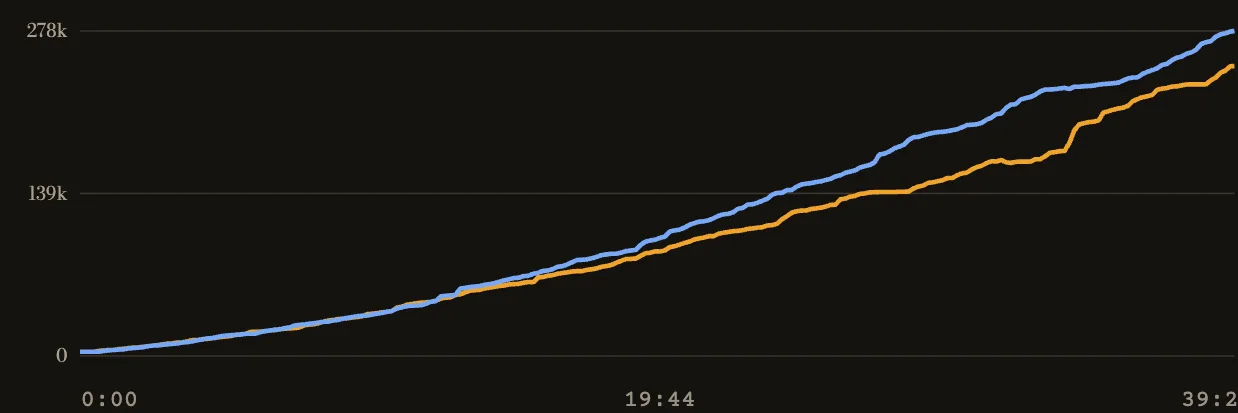
Start at a sharp change in the team souls gap. Note the minute and drag the replay timeline back before the first nearby kill. Watch the lead for another minute: it can change from farming and objectives as well as kills.
Watch the approach on the map
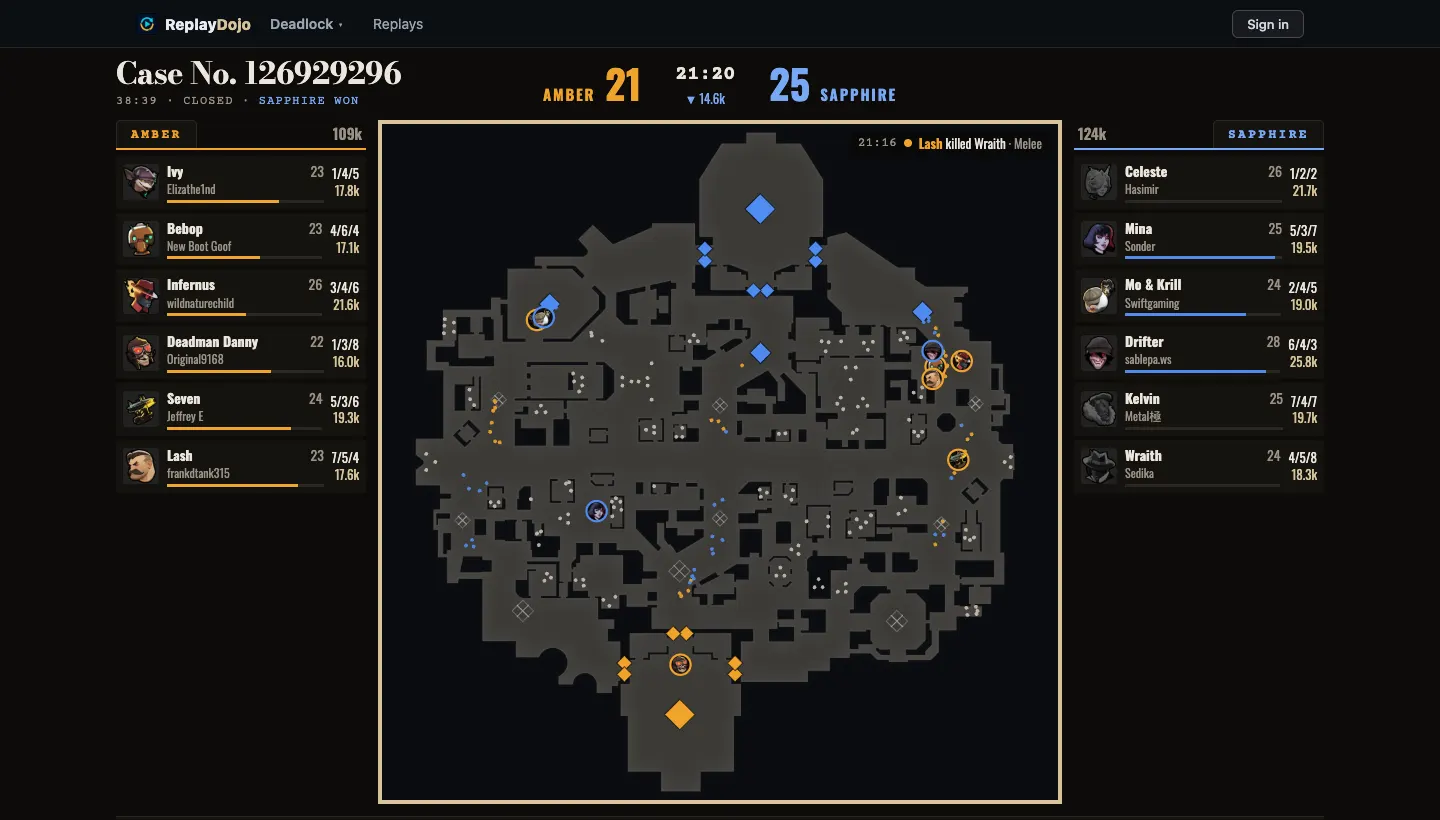
Follow the first hero to die and turn on names. At normal speed, check which teammates are already nearby, which heroes rotate in, and whether anyone is isolated. The minimap samples hero positions twice a second; pause and step around the opening kill instead of judging from the final score.
Check what the fight bought
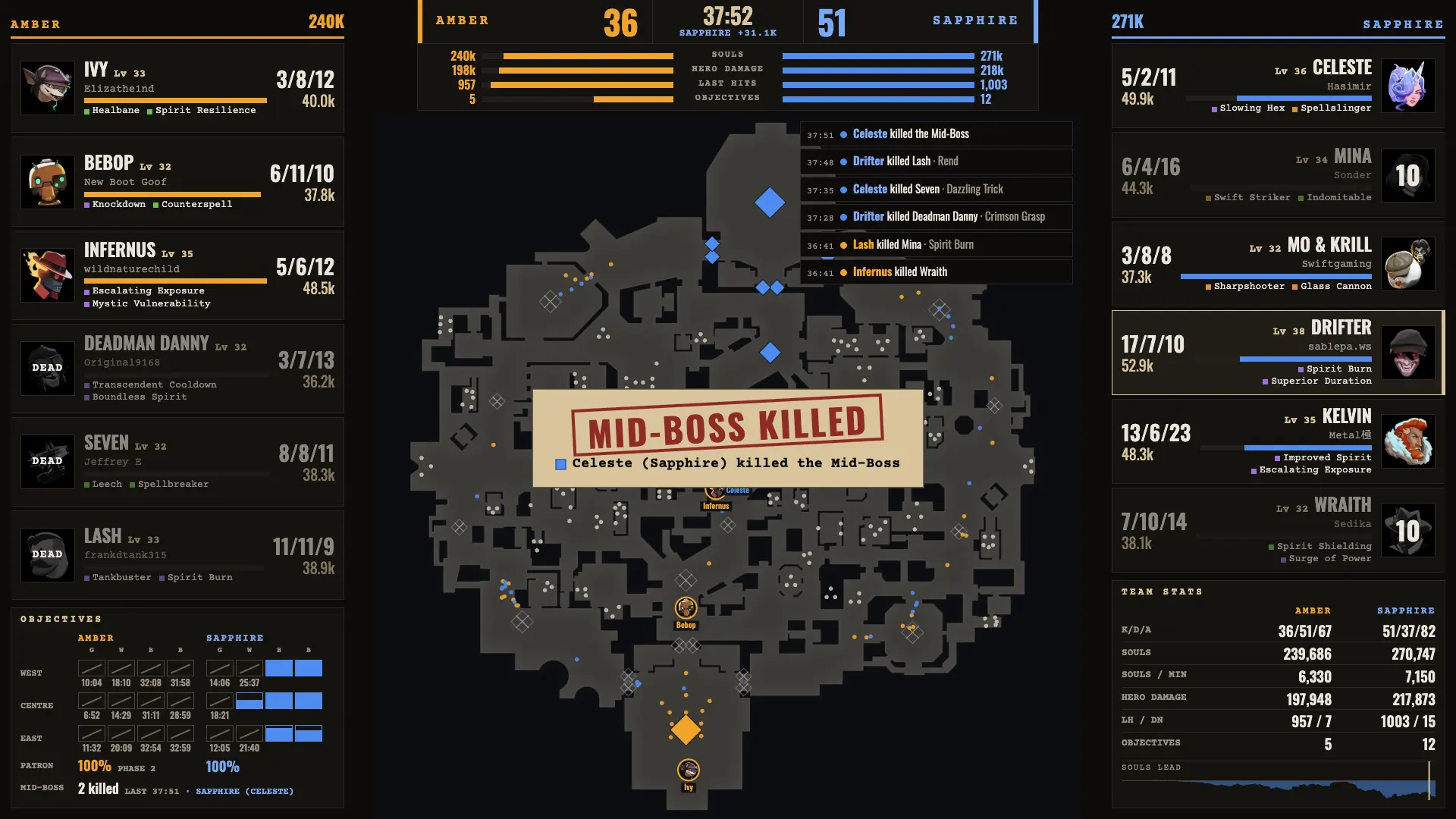
Continue past the last death. Did a Guardian, Walker or Mid-Boss fall? Did the winning side move toward a structure, or did both teams reset? Cast mode puts rosters, objectives and the map on one screen; press C in the viewer. Objective markers give timing, but do not prove the fight caused the objective.
Continue reviewing
How to review a death in Deadlock →Try the workflow
Open a saved replay →